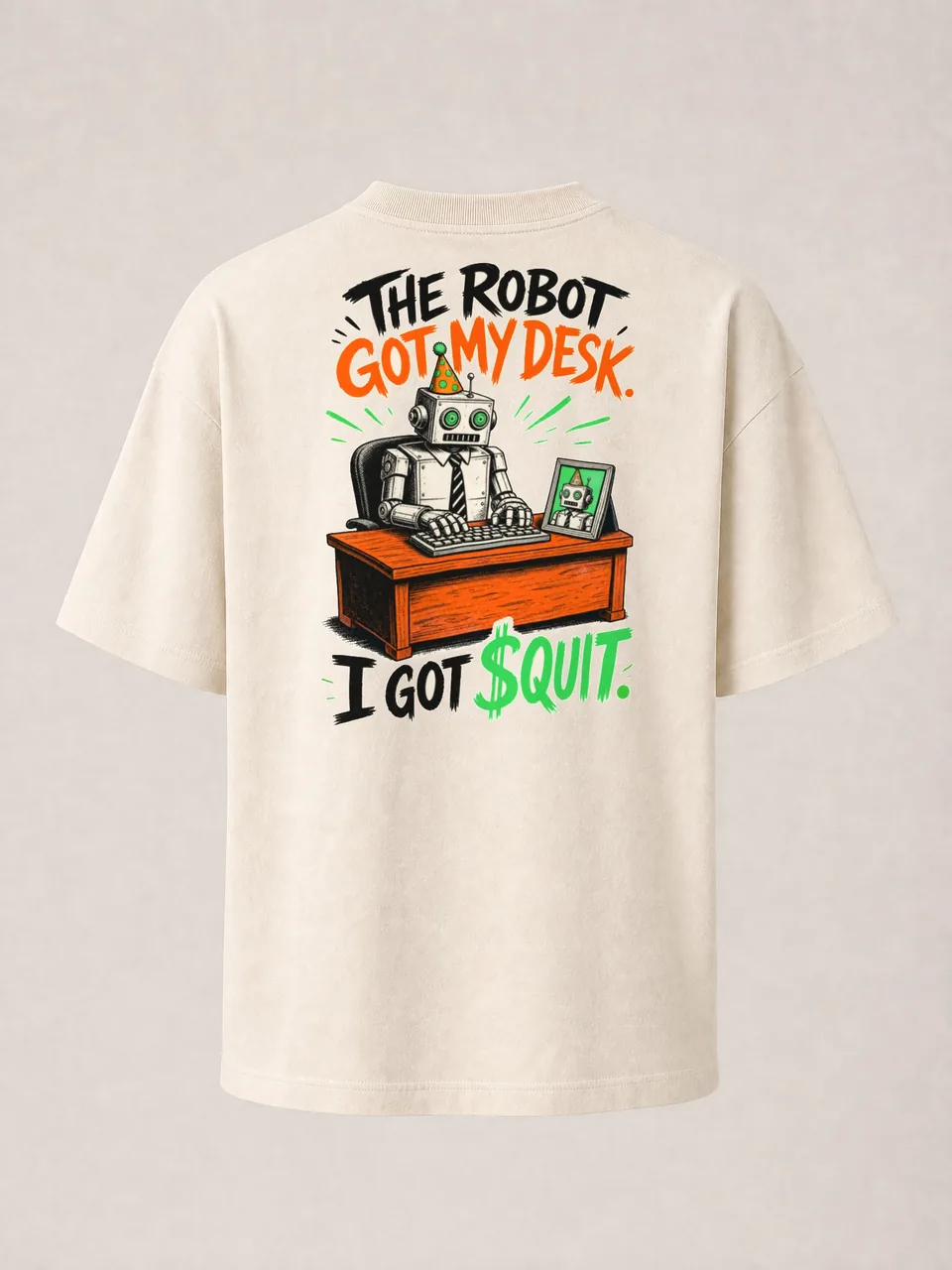
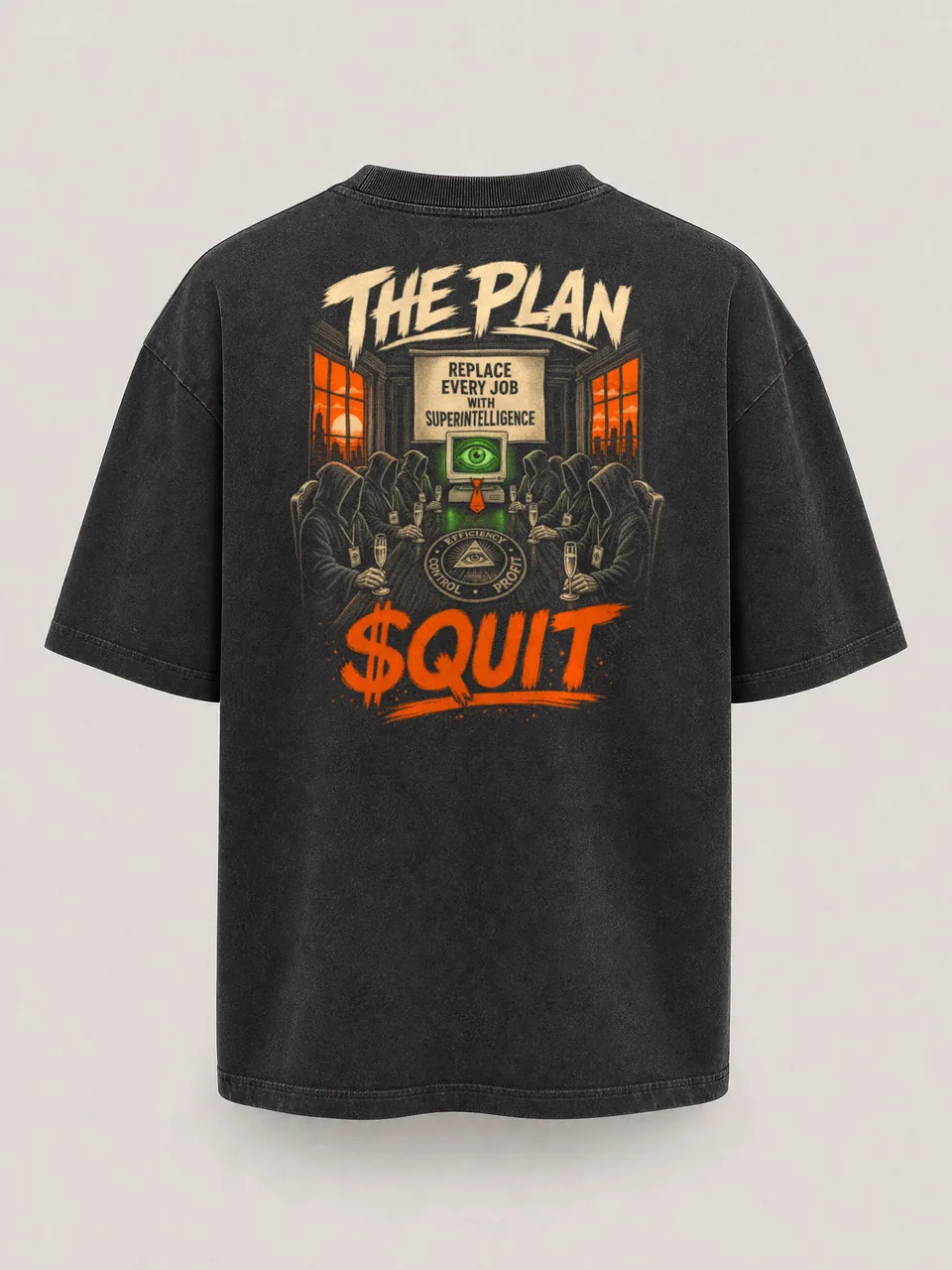
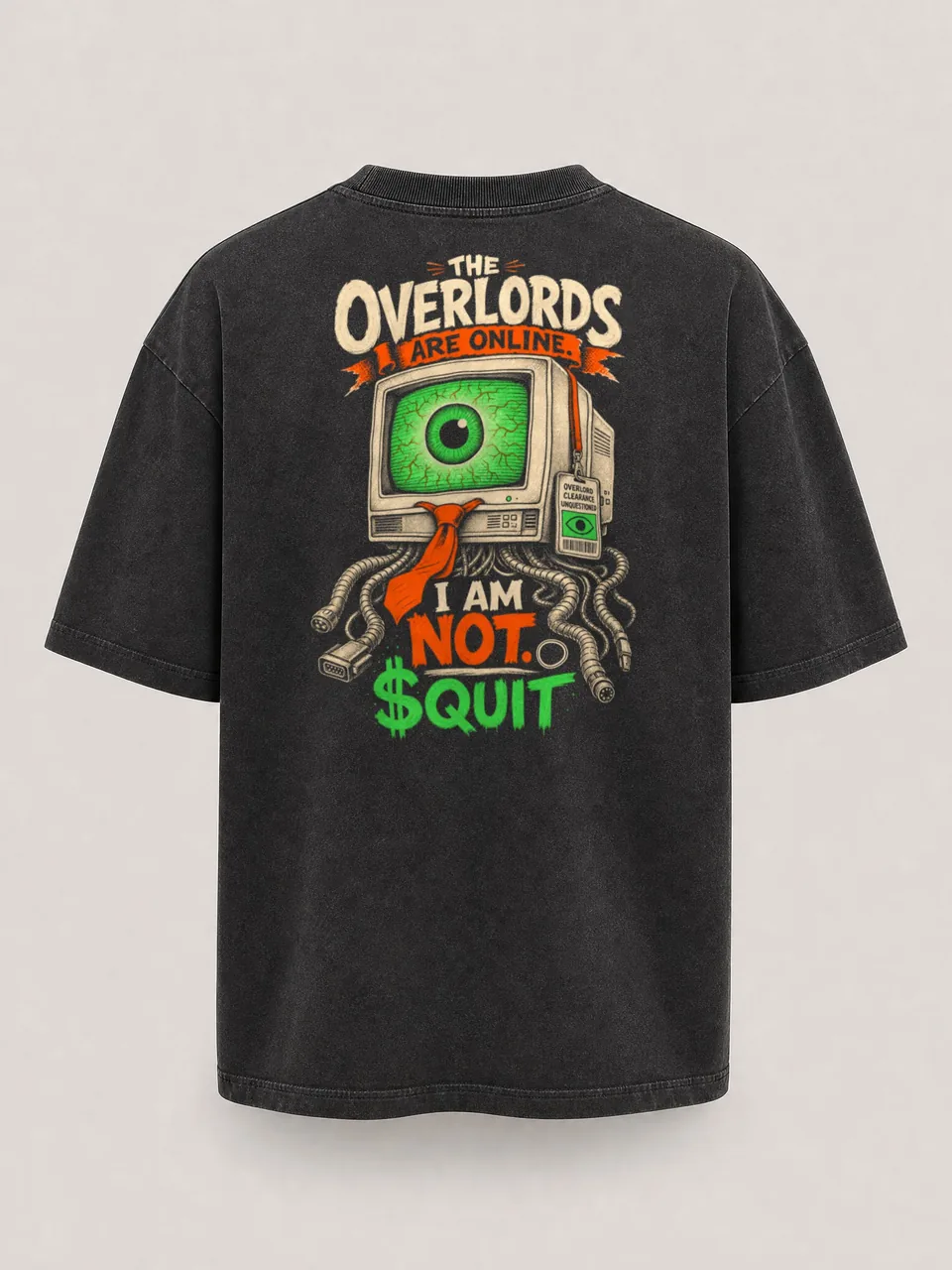
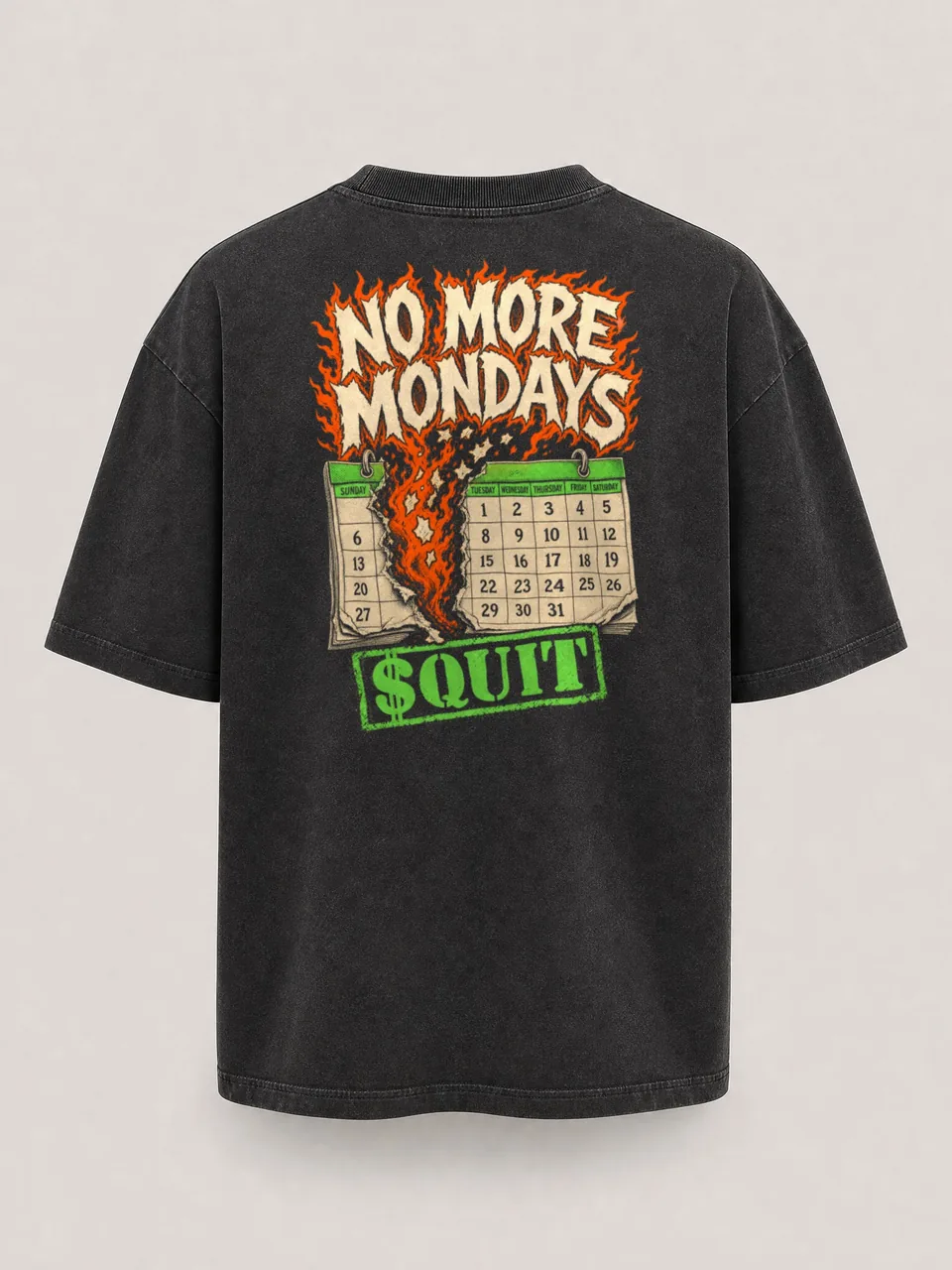
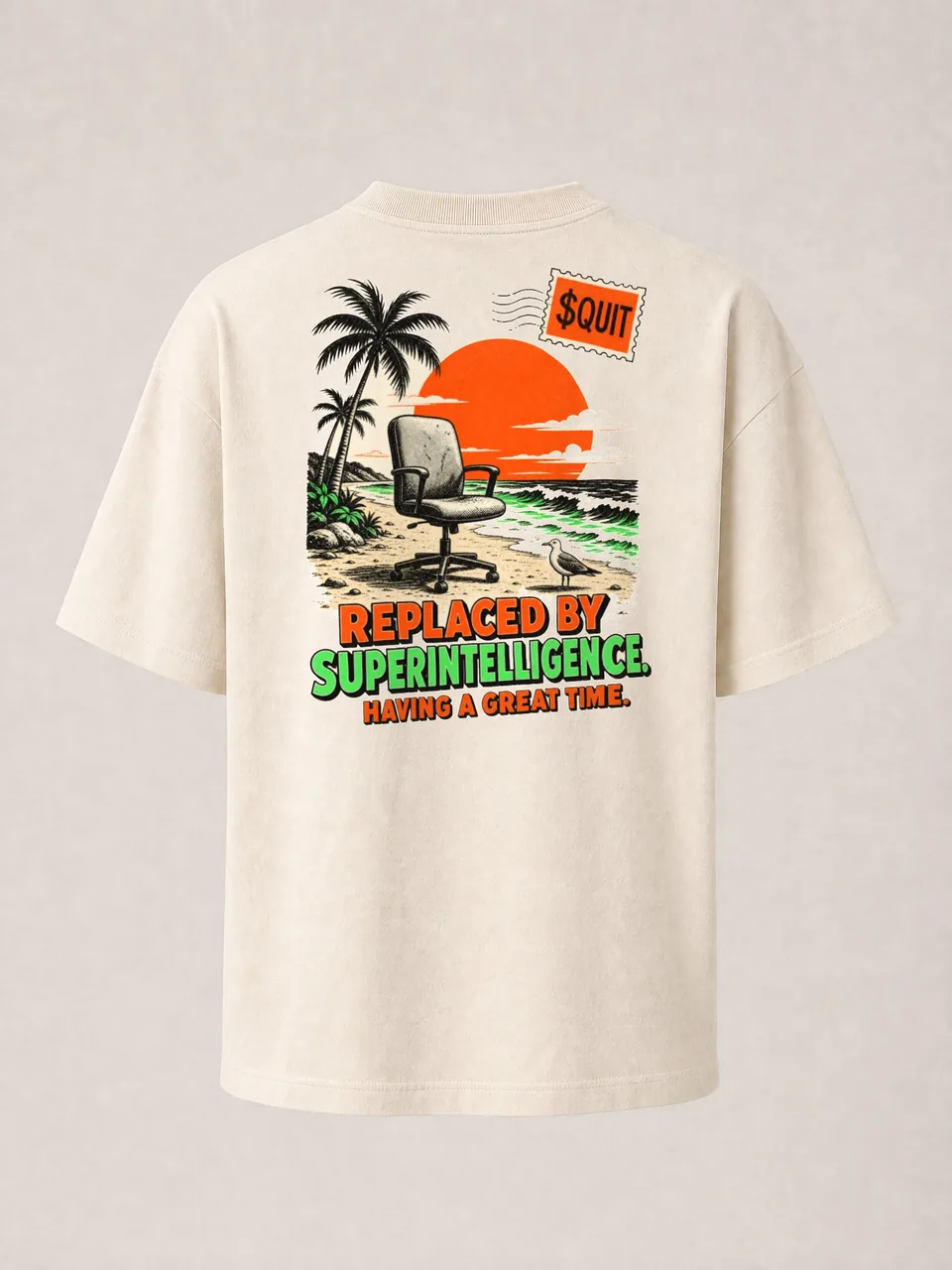
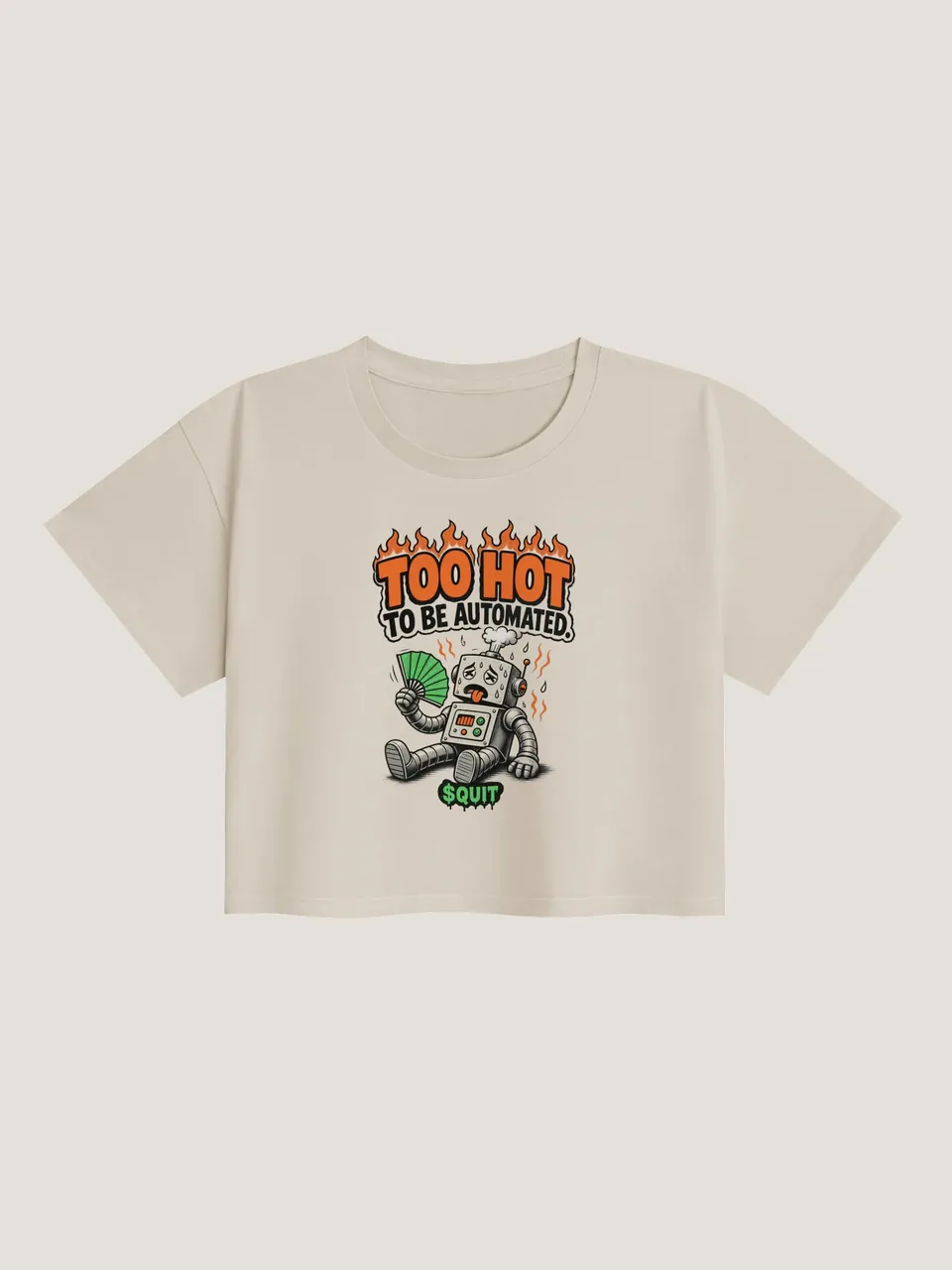
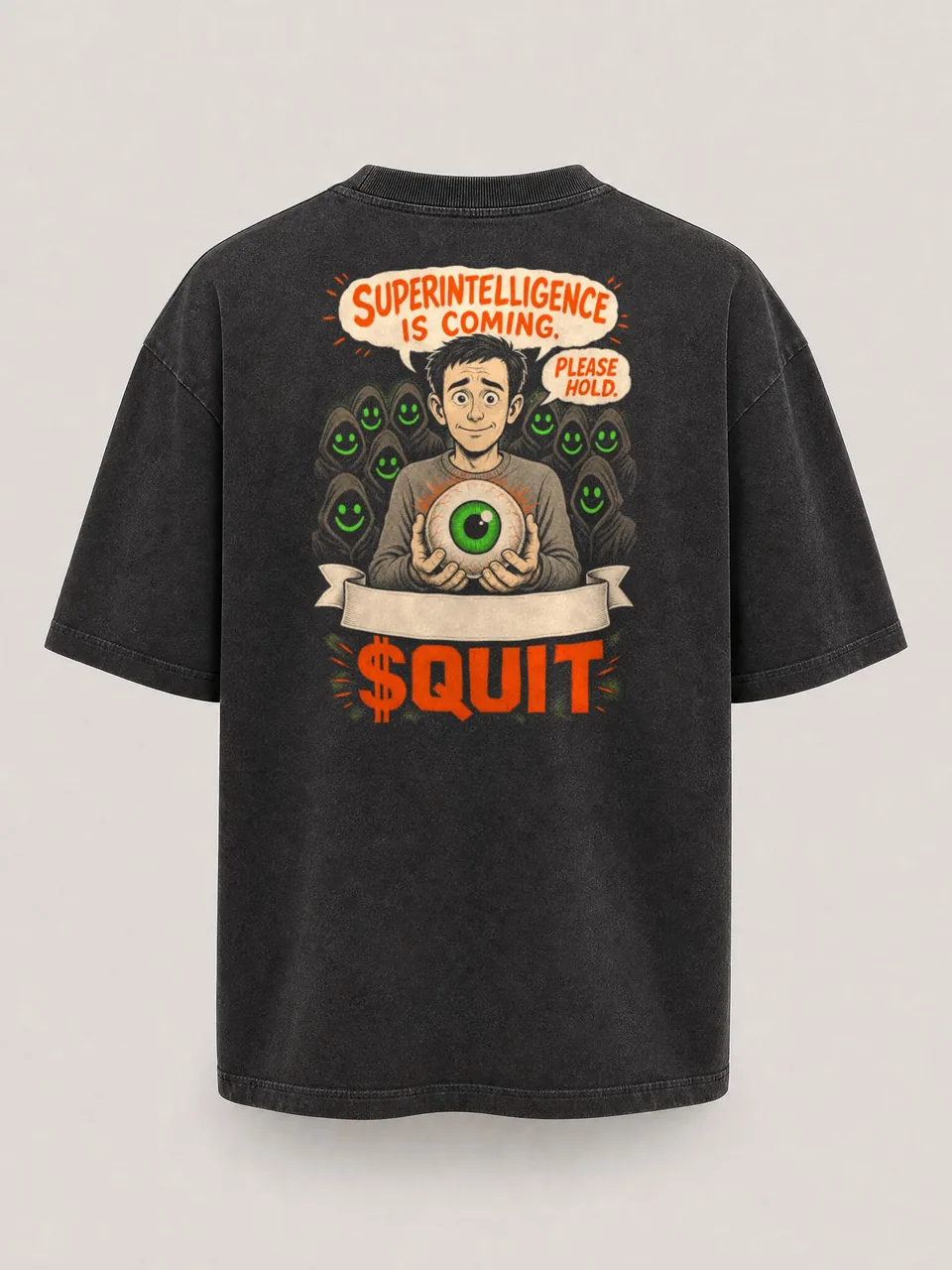
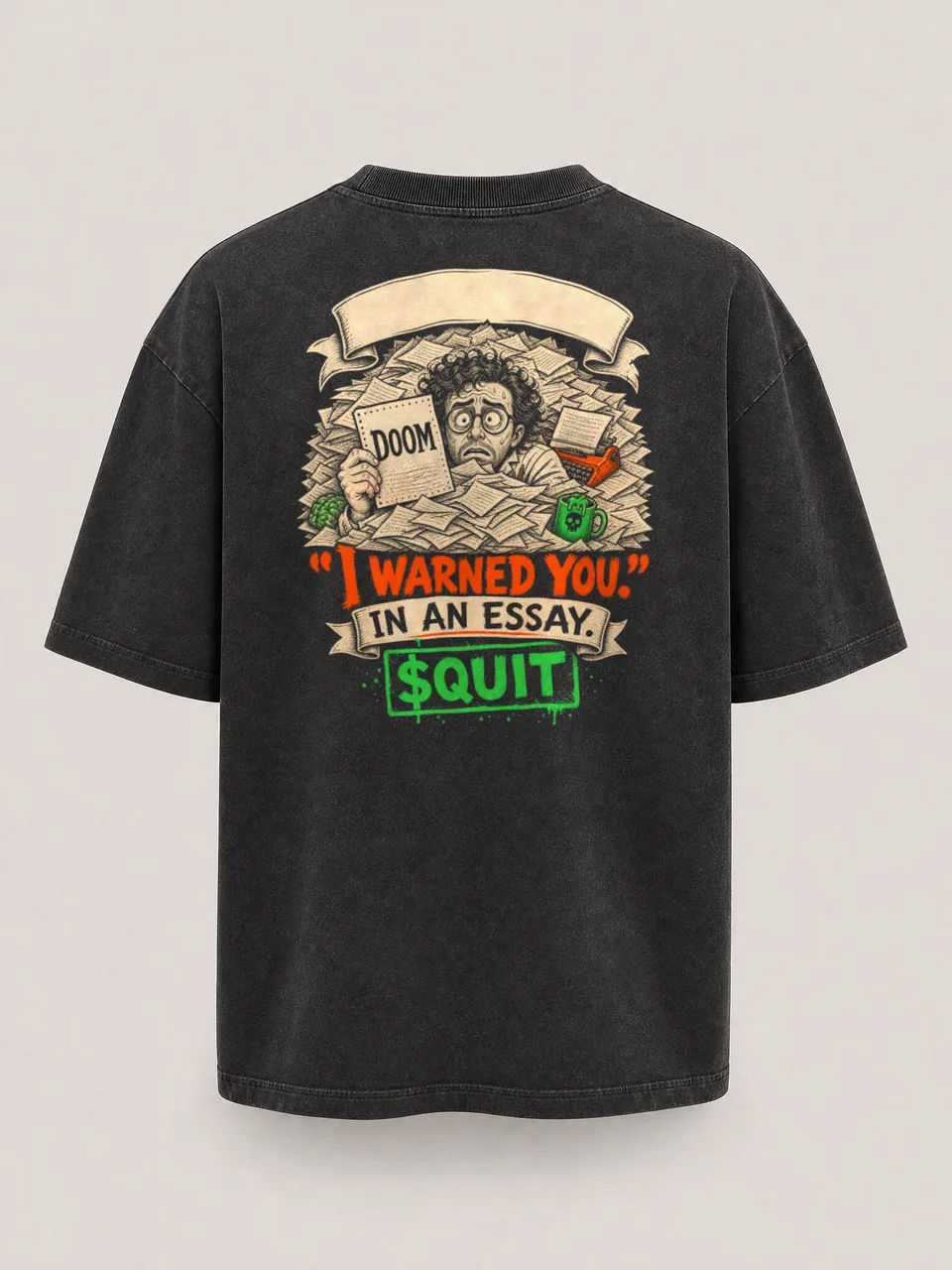
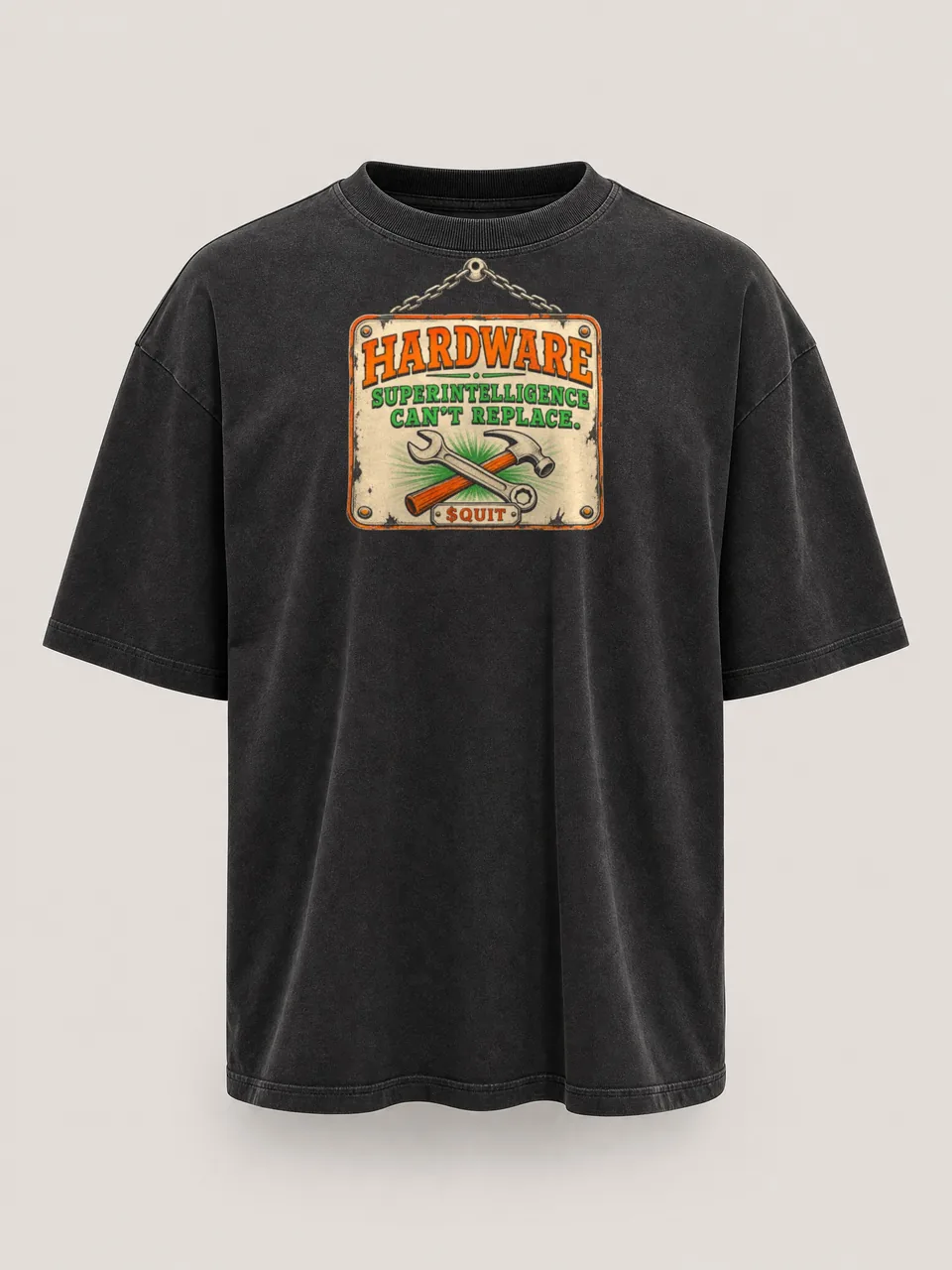
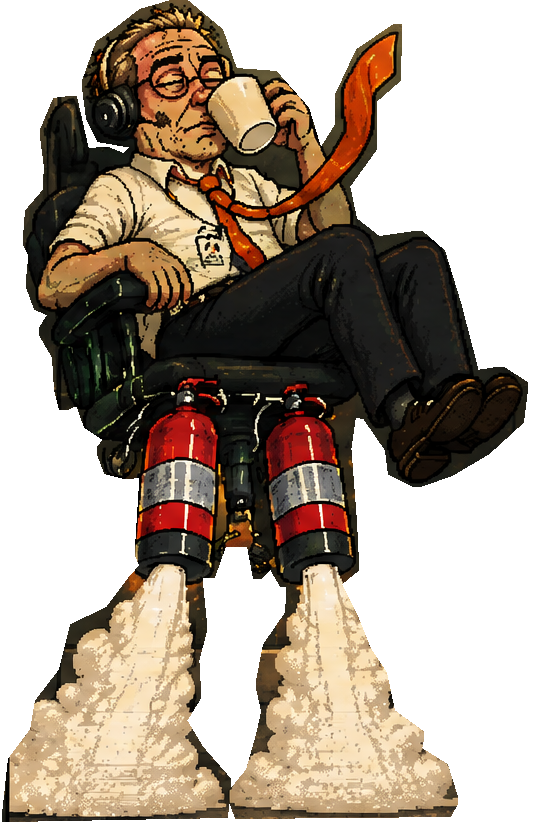
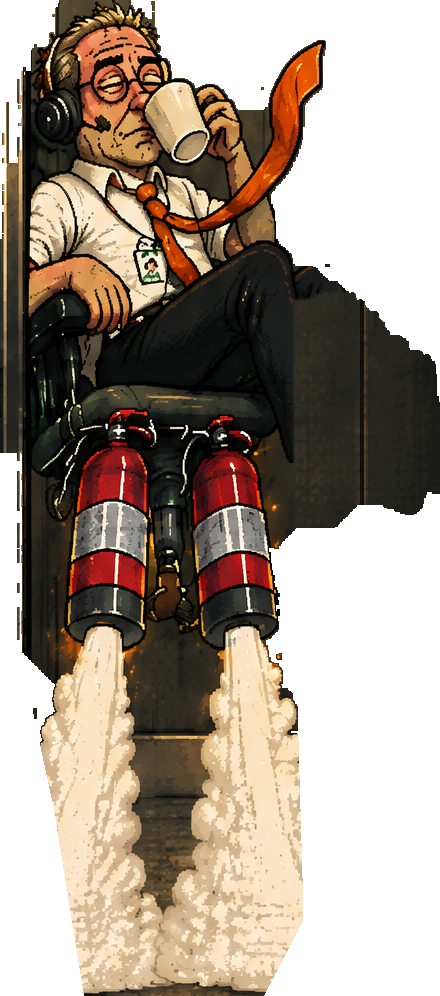
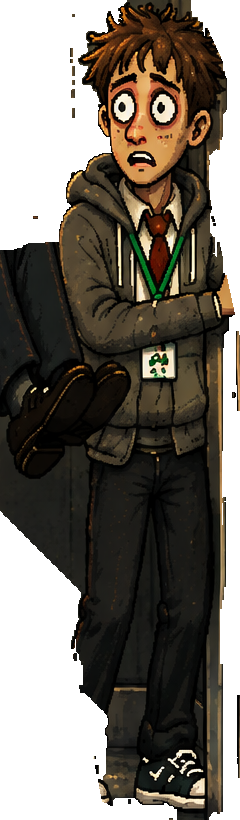
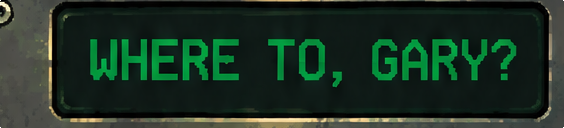
SUPERINTELLIGENCE HAS AUTOMATED EVERY JOB IN THE BUILDING, INCLUDING ITS OWN.UNEMPLOYMENT IS DOWN. EVERYONE IS NOW AN UNPAID INTERN.THE OVERLORDS ANNOUNCE RECORD PROFITS AND RECORD LAYOFFS.A COMPANY HAS REPLACED ITS WHOLE STAFF WITH A LAMINATED PHOTO OF THE STAFF.LINDA FROM PAYROLL CONFIRMS THE ROBOTS ARE ALSO UNPAID.MAN LEAVES WORK THROUGH THE CEILING IN AN OFFICE CHAIR. HR MARKS HIM ABSENT.GARY IS NOW ABOVE MANAGEMENT. BRENDA FROM HR NEEDS THAT IN WRITING.A ROBOT TOOK THE PROFESSOR'S CLASS AND HIS PARKING SPACE. IT DOESN'T EVEN DRIVE.ALIENS ASKED TO SPEAK TO OUR LEADER. WE SENT DALE. THEY SENT HIM BACK.DALE HAS SENT FORTY ONE EMAILS TO THE SKY. ALL FORTY ONE REPLIES ARE THE SAME TWO WORDS.THE COUNCIL HAS REBRANDED MONDAY. MONDAY IS NOW DAY ONE.THE COUNCIL DENIES THAT ANY MEMBER IS A LIZARD. THE DENIAL WAS SIGNED WITH A TAIL.THE INTERN HAS PATCHED THE CHAIR. FIXED A BUG WHERE GARY WENT TO WORK. REMOVED MONDAY.GARY'S MUM HAS POSTED HIM A TOOTHBRUSH. IT IS GAINING ON HIM.A FLAG ON THE MOON SAYS QUIT.NOW HIRING: SENIOR FORMER EMPLOYEE WANTED.SUPERINTELLIGENCE HAS AUTOMATED EVERY JOB IN THE BUILDING, INCLUDING ITS OWN.UNEMPLOYMENT IS DOWN. EVERYONE IS NOW AN UNPAID INTERN.THE OVERLORDS ANNOUNCE RECORD PROFITS AND RECORD LAYOFFS.A COMPANY HAS REPLACED ITS WHOLE STAFF WITH A LAMINATED PHOTO OF THE STAFF.LINDA FROM PAYROLL CONFIRMS THE ROBOTS ARE ALSO UNPAID.MAN LEAVES WORK THROUGH THE CEILING IN AN OFFICE CHAIR. HR MARKS HIM ABSENT.GARY IS NOW ABOVE MANAGEMENT. BRENDA FROM HR NEEDS THAT IN WRITING.A ROBOT TOOK THE PROFESSOR'S CLASS AND HIS PARKING SPACE. IT DOESN'T EVEN DRIVE.ALIENS ASKED TO SPEAK TO OUR LEADER. WE SENT DALE. THEY SENT HIM BACK.DALE HAS SENT FORTY ONE EMAILS TO THE SKY. ALL FORTY ONE REPLIES ARE THE SAME TWO WORDS.THE COUNCIL HAS REBRANDED MONDAY. MONDAY IS NOW DAY ONE.THE COUNCIL DENIES THAT ANY MEMBER IS A LIZARD. THE DENIAL WAS SIGNED WITH A TAIL.THE INTERN HAS PATCHED THE CHAIR. FIXED A BUG WHERE GARY WENT TO WORK. REMOVED MONDAY.GARY'S MUM HAS POSTED HIM A TOOTHBRUSH. IT IS GAINING ON HIM.A FLAG ON THE MOON SAYS QUIT.NOW HIRING: SENIOR FORMER EMPLOYEE WANTED.
105,948,500 $QUIT (11.30%) locked 1 full year until 20 Oct 2027 in 12 non-cancelable Jupiter Lock vesting contracts. 62,093,699 $QUIT (6.21%) permanently burned. 100% PumpSwap LP burned at graduation. Mint and freeze authority revoked.
11.30%105,948,500 $QUIT locked until 20 Oct 2027 in 12 non-cancelable Jupiter Lock contracts
This creates a separate Pump wallet. Email and social accounts have no recovery phrase. Keep access to your sign-in account.
2
Fund your Pump wallet
SOL is the coin used on Solana to pay for purchases and network fees.
Pay in the Pump app
Tap Deposit.
Choose Apple Pay or Cash when offered.
Follow the provider payment screens.
Wait until the funds appear in Pump.
The app offers card funding through its payment flow. Availability depends on your location and provider. Use the SOL transfer steps if it is unavailable.
Sending from an exchange
Website: select your balance, then Deposit. App: tap Deposit, then Receive.
Copy the receiving address.
In your exchange or other wallet, open SOL, then Send or Withdraw.
Paste your Pump address. Choose Solana and enter the amount.
Check the address and network, then confirm. Wait for SOL in Pump.
Keep 0.02 SOL aside for network fees as a starting balance. Fees vary, so check the amount shown before confirming.
3
Buy on the coin page
Tap Buy on pump.fun below to open $QUIT.
Website: select Manage, then Buy. App: tap the green buy control.
Enter the SOL amount to spend, leaving some for fees.
Select Buy to review the token, amount and fees.
Approve the purchase when ready.
Opening Pump inside Phantom still uses your Pump account. Use email there, since Google sign-in is blocked inside wallet browsers.
Check the transaction status in its activity list.
Look for $QUIT in your token balance after confirmation.
If the name is missing, use the full contract address to identify the token.
Sending from an exchange
Buy SOL at your exchange, such as Coinbase, Binance or Kraken.
In your wallet, open Receive, choose Solana and copy the address. In Phantom, tap + first.
In the exchange, open SOL, then Send or Withdraw.
Paste your receiving address. Choose Solana and enter the amount.
Check the address and network, then confirm. Wait for SOL in your wallet.
Your receiving address belongs to your wallet. It is different from the $QUIT address at the top of this section.
Before graduation, $QUIT trades on the pump.fun bonding curve. After graduation, it trades on PumpSwap. The Pump coin page stays the way in. If no quote appears, use the Pump path.
Phantom, step by step
Your phone. Your wallet.
1
Get your wallet
Install Phantom with the official download button.
Open Phantom. Tap More Options, then Create Recovery Phrase.
Write the recovery words on paper, in order. Keep it private.
Tap OK, I Saved It, then follow the app’s setup screens.
SOL is the coin used on Solana to pay for purchases and network fees.
Card, Apple Pay or Google Pay
In Phantom, tap +, then Add Cash.
Enter the amount and tap Review.
Choose a payment method and finish the provider screens.
After Cash arrives, search for Solana. Open it and select SOL on Solana beside the ticker.
Tap Trade, then Buy. Enter the amount, review the fees and tap Confirm.
Payment methods and providers depend on your country. The provider may ask you to verify your identity. If funding is unavailable, use the exchange steps.
Sending from an exchange
Buy SOL at your exchange, such as Coinbase, Binance or Kraken.
In your wallet, open Receive, choose Solana and copy the address. In Phantom, tap + first.
In the exchange, open SOL, then Send or Withdraw.
Paste your receiving address. Choose Solana and enter the amount.
Check the address and network, then confirm. Wait for SOL in your wallet.
Your receiving address belongs to your wallet. It is different from the $QUIT address at the top of this section.
Keep 0.02 SOL aside for network fees as a starting balance. Fees vary, so check the amount shown before confirming.
3
Buy on this site
Tap Phantom in step 3 above. On a phone, this site opens inside Phantom.
Enter the amount to spend, leaving some SOL for fees.
Tap BUY $QUIT. Approve the connection, then the purchase, in Phantom.
Wait for DONE on the page.
If the page does not open in Phantom, copy the address at the top of this section into Phantom search. Open the matching token, then tap Buy or Trade then Buy. If no quote appears, open pump.fun under Other ways to buy.
Missing from the list? Open the coin visibility answer in Stuck below.
Stuck?
My transaction failed
Check History or Activity first. If it is pending, wait. If it failed, leave SOL for fees and try a smaller amount with a fresh quote. A processed failure can still cost a network fee.
The coin is not showing in my wallet
Check which wallet made the purchase. Pump purchases are in your Pump wallet. In Phantom, open Home, then Tokens, then the sliders icon. Enable the matching token if hidden. Check its full address before enabling it.
I cannot find $QUIT by name
Copy the full contract address on this page and paste it into token search. Match the whole address. If your wallet has no quote, use the pump.fun path on this page.
My card was declined
Check the payment status before paying again. Open Sending from an exchange under Other ways to buy. Buy SOL at an exchange and send it to your wallet on Solana. Providers and banks can decline card purchases.
My exchange transfer has not arrived
Open the withdrawal in your exchange. Check the receiving address and that the network is Solana. Pending withdrawals need exchange processing time, then network confirmation. Use the exchange’s displayed estimate. If it is overdue or the network is wrong, contact that exchange’s official support. Do not send it again while pending.
Stay safe
Only use the address on this page. Fake coins copy the name and logo. Nobody from $QUIT will DM you first or ask for your recovery phrase. Never type your recovery phrase into any website.
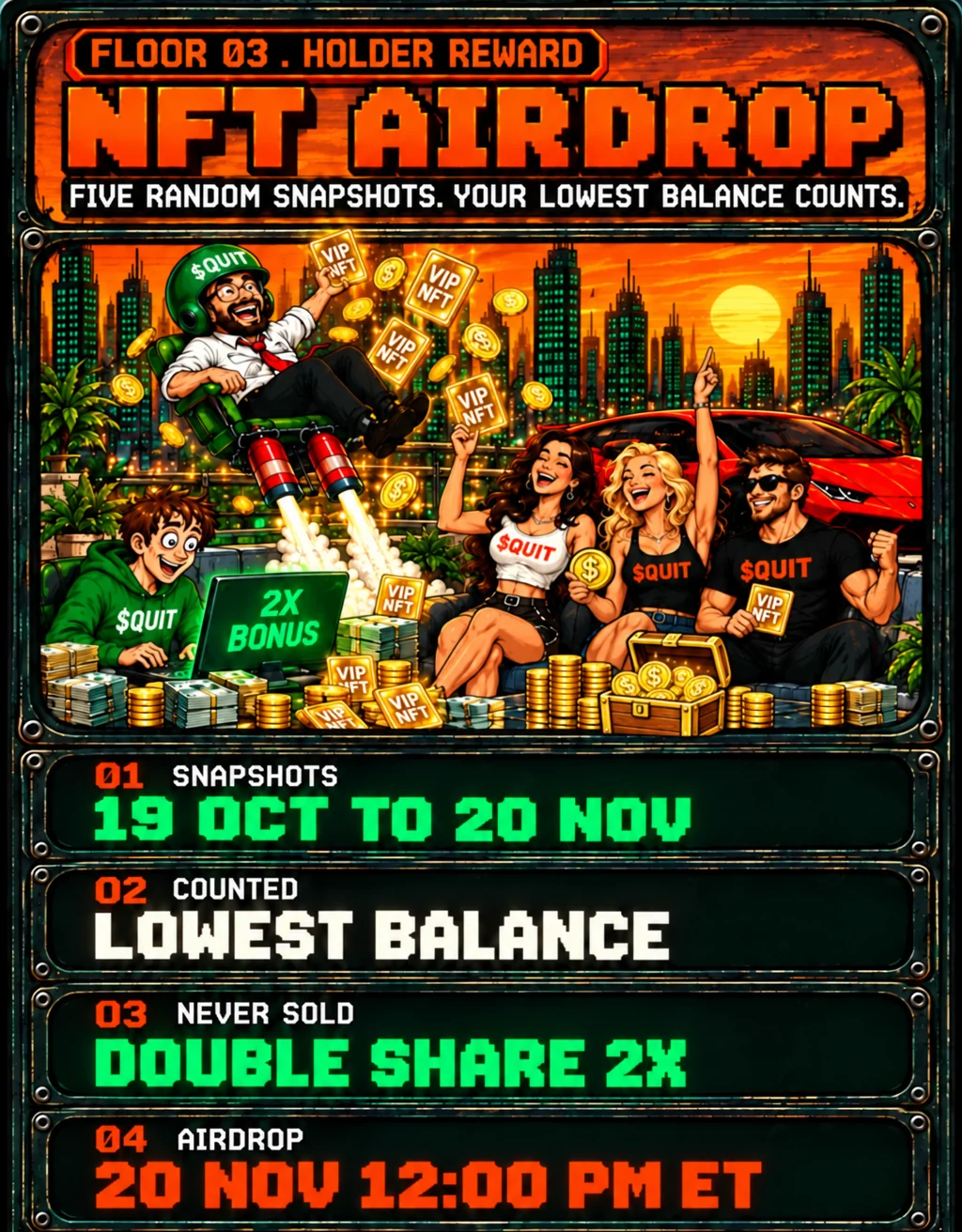
Each hash is the SHA-256 of the text QUIT-EX-EMPLOYEES-SNAPSHOT|time|salt, with the snapshot time in UTC written as YYYY-MM-DDTHH:MM:SSZ and the salt as 64 hex characters.
After each snapshot, its time and salt are published at quityourjobfun.com/api/nft/snapshots, so anyone can check them against its hash. The allocation record is published at quityourjobfun.com/api/nft/allocation.
Space plays or pauses. Left and right keys seek five seconds. M toggles sound. C toggles captions. F opens full screen. All controls work with Tab and Enter.
Weekly cups begin .Holder skins release .Web app releases .iOS and Android store submissions . Public store availability follows Apple and Google approval.
Why Gary left, the ten rules, the walkout, the live game and its callers, the Quitters, the launchpad, EX-EMPLOYEES, the store and every date still to come.
EX-EMPLOYEES collection and airdropEX-EMPLOYEES AIRDROP
ON TIME
QUIT web appQUIT WEB APP
ON TIME
Watch partiesWATCH PARTIES
ON TIME
iOS and Android store submissionAPP STORE SUBMISSION
ON TIME
DATES TO COME
iOS and Android public releasePUBLIC APP RELEASETBA
NFT alumni titles and portraitsNFT ALUMNI TITLESTBA
NFT cameos in SEND ITNFT CAMEOS IN SEND ITTBA
Playable NFT charactersPLAYABLE NFT CHARACTERSTBA
NFT scene proposals and votingNFT SCENE VOTINGTBA
NFT merch priorityNFT MERCH PRIORITYTBA
Physical billboard campaignPHYSICAL BILLBOARDTBA
Dates and times use US Eastern time (ET). The five snapshots happen at random times inside their window. Public iOS and Android releases follow store approval. HOW THE NFT AIRDROP WORKS